Google Docs places a full-featured word processor on your Android phone or tablet, designed for people who write, edit, and collaborate on the go. The app makes it easy to start new documents or pick up work you left on another device, with automatic saving as you type so drafts never disappear. Google Docs is especially useful when multiple contributors need to edit the same file in real time, when you need to review comments, or when reliable offline access is required for travel or spotty connections.
Core Functions
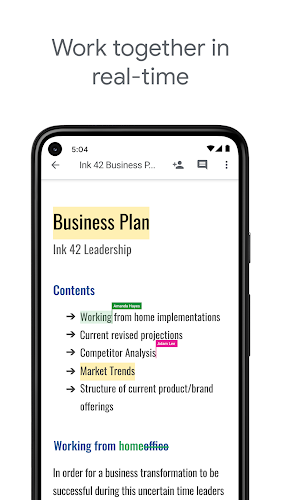
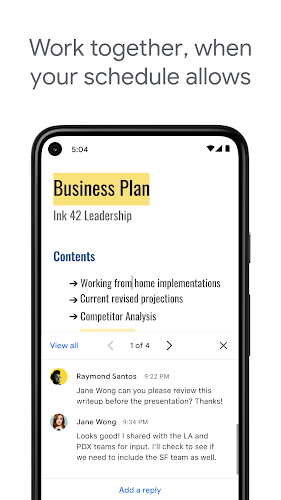
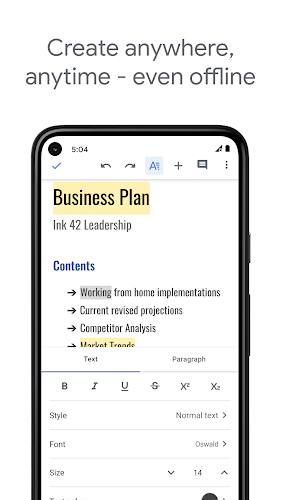
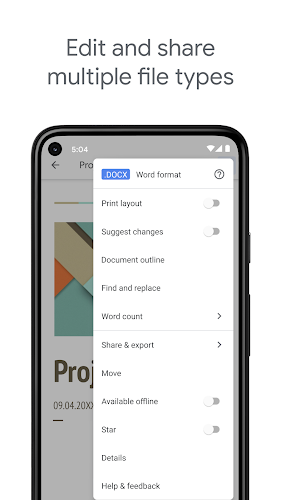
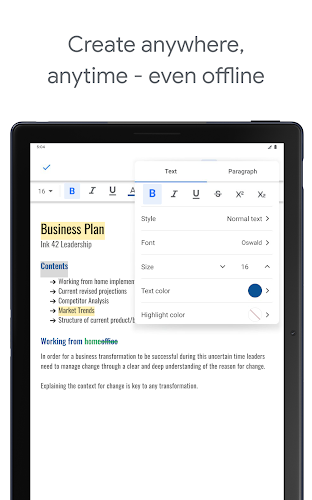
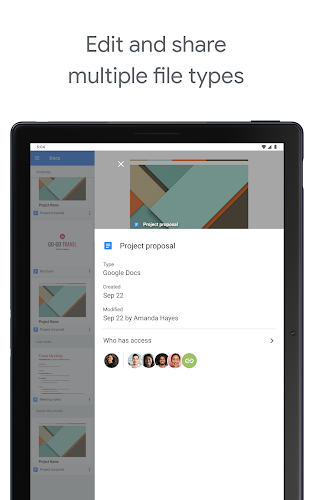
Create and edit documents directly from your device, open and save Microsoft Word files and PDFs, and keep everything synced with cloud storage. Google Docs supports sharing so teams can work together in the same document at the same time, add and respond to comments, and search both the web and your Drive files from within the app. Offline editing is built in, and every change is saved automatically to reduce the risk of data loss.
Key Features
The app offers collaborative editing with live updates, plus comment threads and suggestions to guide revisions. Subscribers to the broader Google Workspace get additional capabilities such as built-in chat while editing, enhanced import and export options for formats like .docx, .pdf, .odt, .rtf, .txt and .html, and unlimited version history to review or revert changes. Cross-device continuity means work continues whether you’re connected or not, and imported files become instantly editable when supported.
User Experience
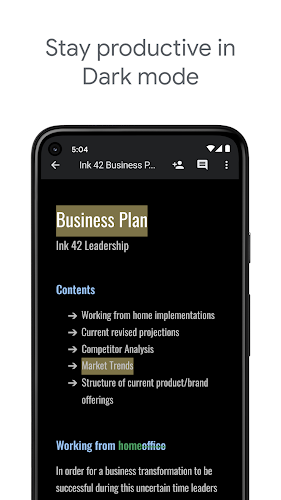
On Android devices the interface is focused and uncluttered: tools are arranged for touch, text formatting is straightforward, and search tools help you find documents or web references without leaving the app. Real-time collaboration feels immediate, with edits and comments appearing as teammates work. The combination of automatic saves, offline access, and compatibility with common document formats makes Google Docs a practical choice for freelancers, students, and teams who need dependable editing on mobile.
Conclusion
For anyone who needs a mobile-first document editor that prioritizes collaboration and reliability, this app delivers a balanced set of features. Its integration with cloud storage, support for common file formats, and tools for commenting and version tracking create a flexible environment for drafting, reviewing, and finalizing documents away from a desktop.